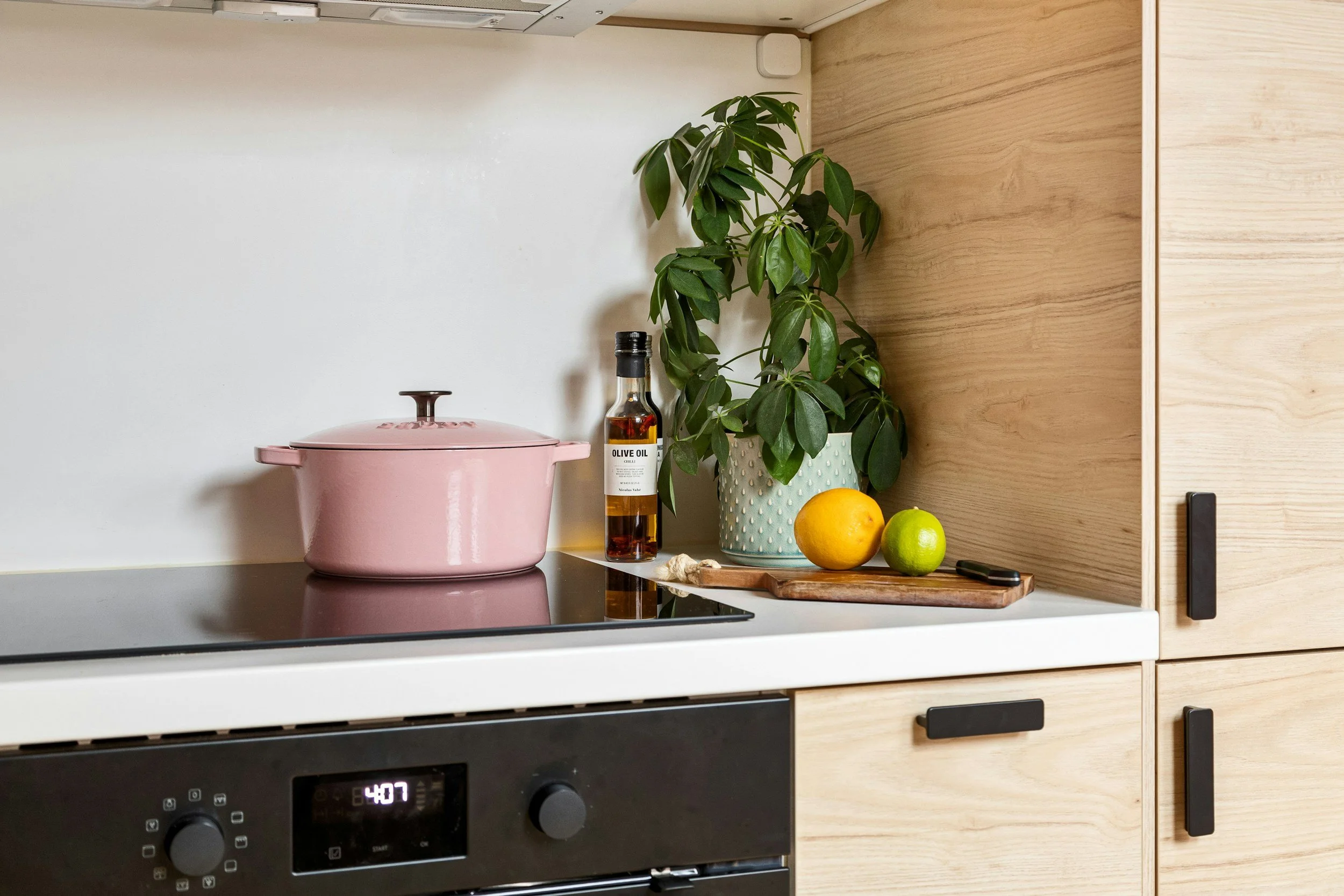
Cooktop instructions
Induction Hob with Ventilation – Quick Guide (Siemens ED777HQ26E)
1. Turn on the hob
Touch the On/Off symbol
The control panel will light up
2. Start cooking
Place a pot or pan on the cooking zone
Select the zone on the touch controls
Adjust heat level (1–9) by sliding your finger
3. Flexible cooking zones
You can place larger pots/pans across zones – the hob adjusts automatically
4. Ventilation (built-in extractor)
Turns on automatically in many cases
You can also control it manually:
Tap the fan symbol
Adjust fan speed as needed
5. Turn off
Set heat level to 0 or press On/Off
The hob may stay warm – a “H” symbol means hot surface
Helpful tips
Only works with induction-compatible cookware (magnetic bottom)
The surface heats quickly – use lower settings than usual
Never place metal objects (cutlery, lids) on the hob
The fan filter should stay in place during use and is cleaned regularly by us
After cooking
Wipe the surface when cool
Ventilation may continue briefly after cooking – this is normal
Enjoy your cooking 😊